
Work › Store Layout Configurator
Store Layout Configurator: plan the store before you build it
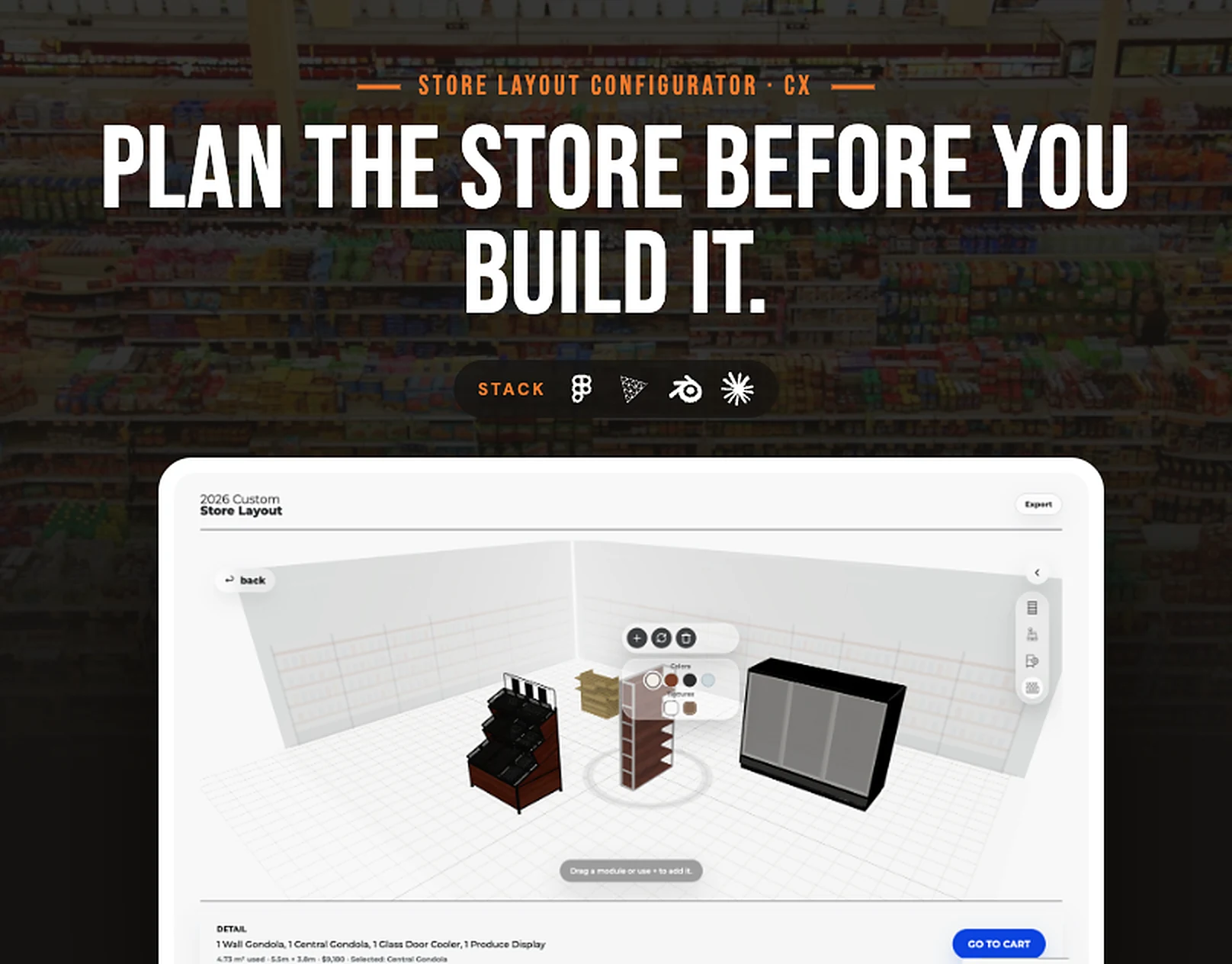
A 3D configurator for supermarket equipment: store owners build their layout with real furniture, customise it and check it before they order a single shelf.
The challenge
Equipment is sold from a catalogue, but bought by imagining the store.
Owners had to picture aisles, fridges and checkouts from PDFs and sales visits. I designed a builder where they place real pieces, change finishes and sizes, and see if everything fits, turning a long sales cycle into a conversation around their own store.
01 · The problem
Equipping a store is bought on faith.
Shelving, coolers and checkouts are big, expensive and hard to picture. Owners decide from catalogues and floor plans; makers answer with quotes that go back and forth by email.
“Will it fit? How will it look? How much will it cost?” Three questions that used to take weeks.
A catalogue photo shows one module alone, never how the aisle will feel with everything in place.
Every change of layout means a new quote, a new email and a few more days without a decision.
Measures are checked on paper; a cooler that does not fit is discovered on installation day.
02 · Who it is for
Built to sell equipment, designed for who buys it.
The demo is a supermarket scene, but the model fits any business that equips a sales floor.

Shelving, refrigeration and checkout manufacturers and their sales teams.
Chains opening branches and neighbourhood stores that remodel.
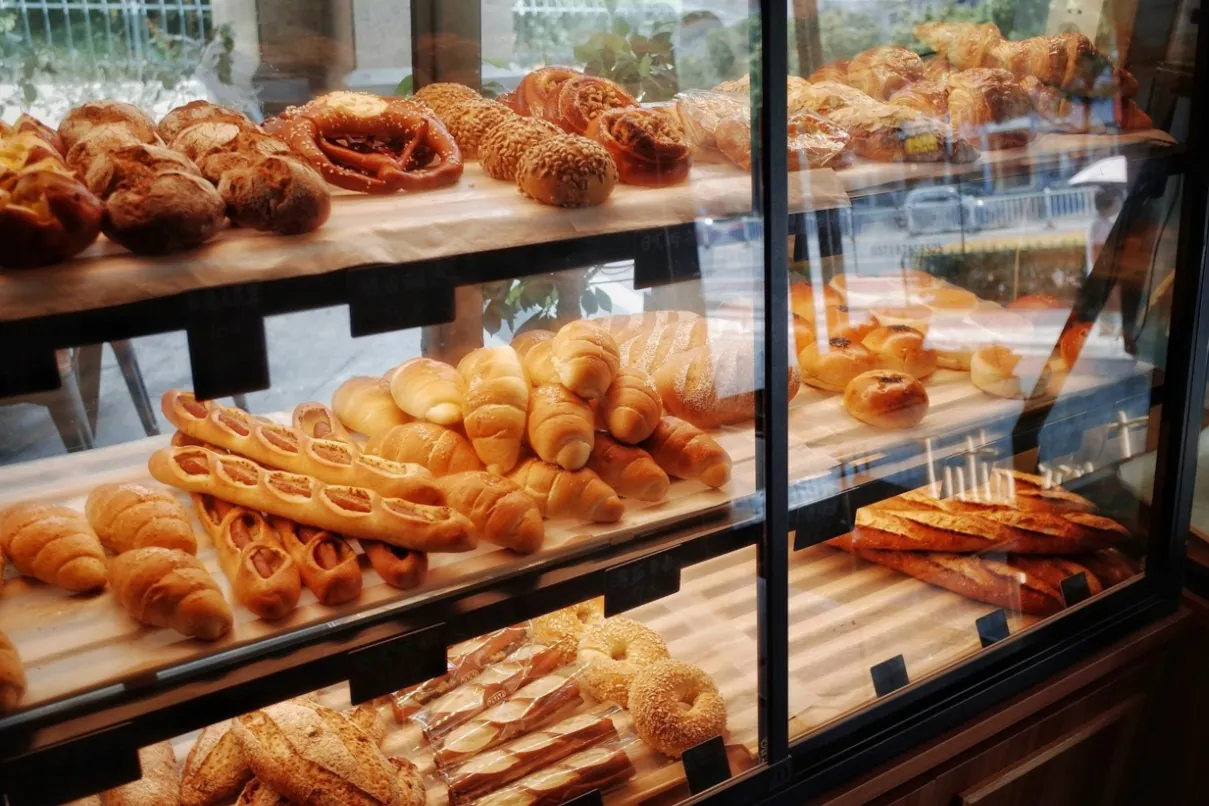
Bakeries, rotisseries, delis and cafés with display and cold needs.

03 · User journey map · Store owner
Remodelling a neighbourhood supermarket.
The journey of the owner the configurator was designed for, stage by stage.
Hernán, 48Owner of a neighbourhood supermarket · 2 checkouts04 · Build the store
Drag, drop, see the aisle.
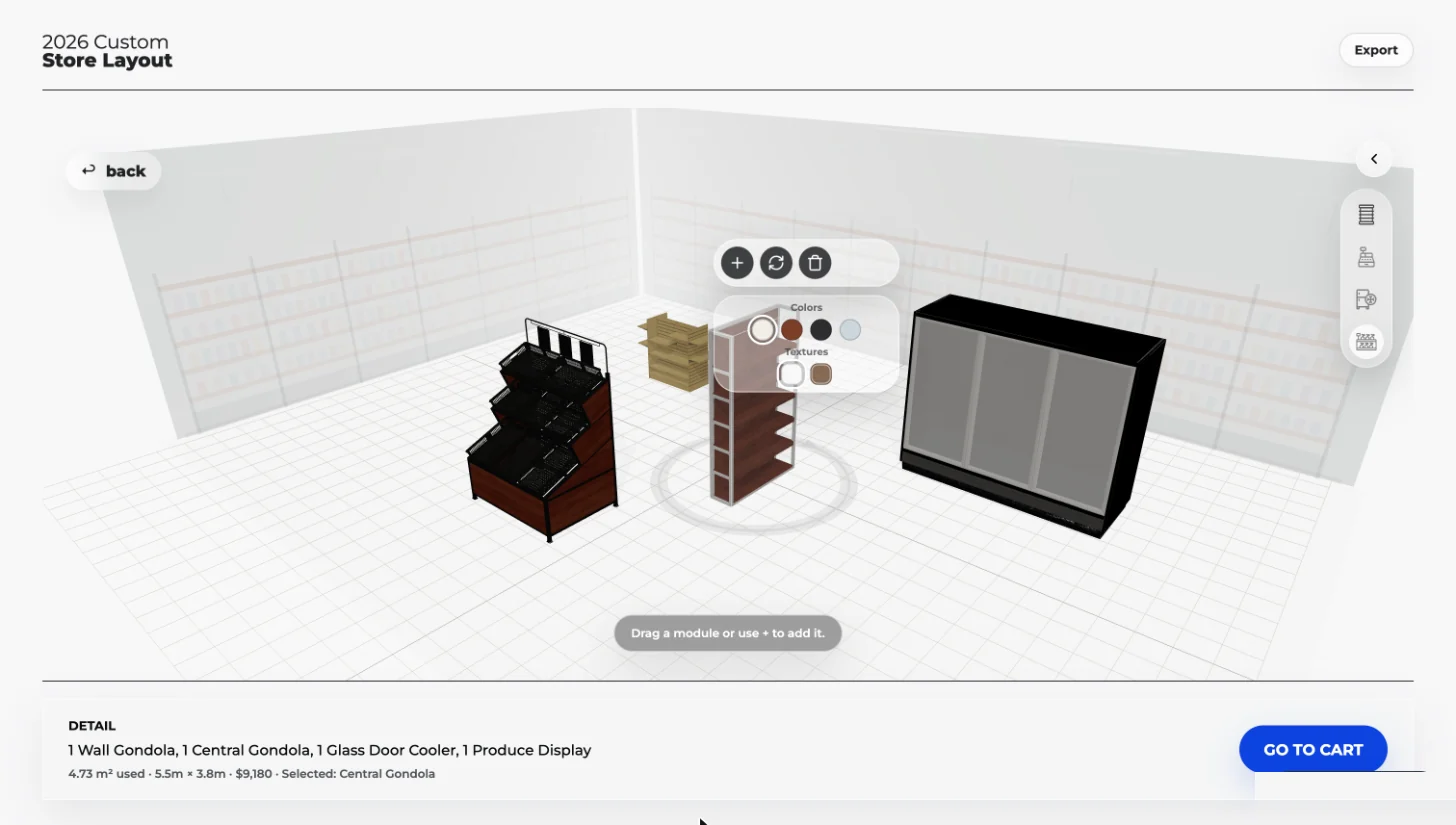
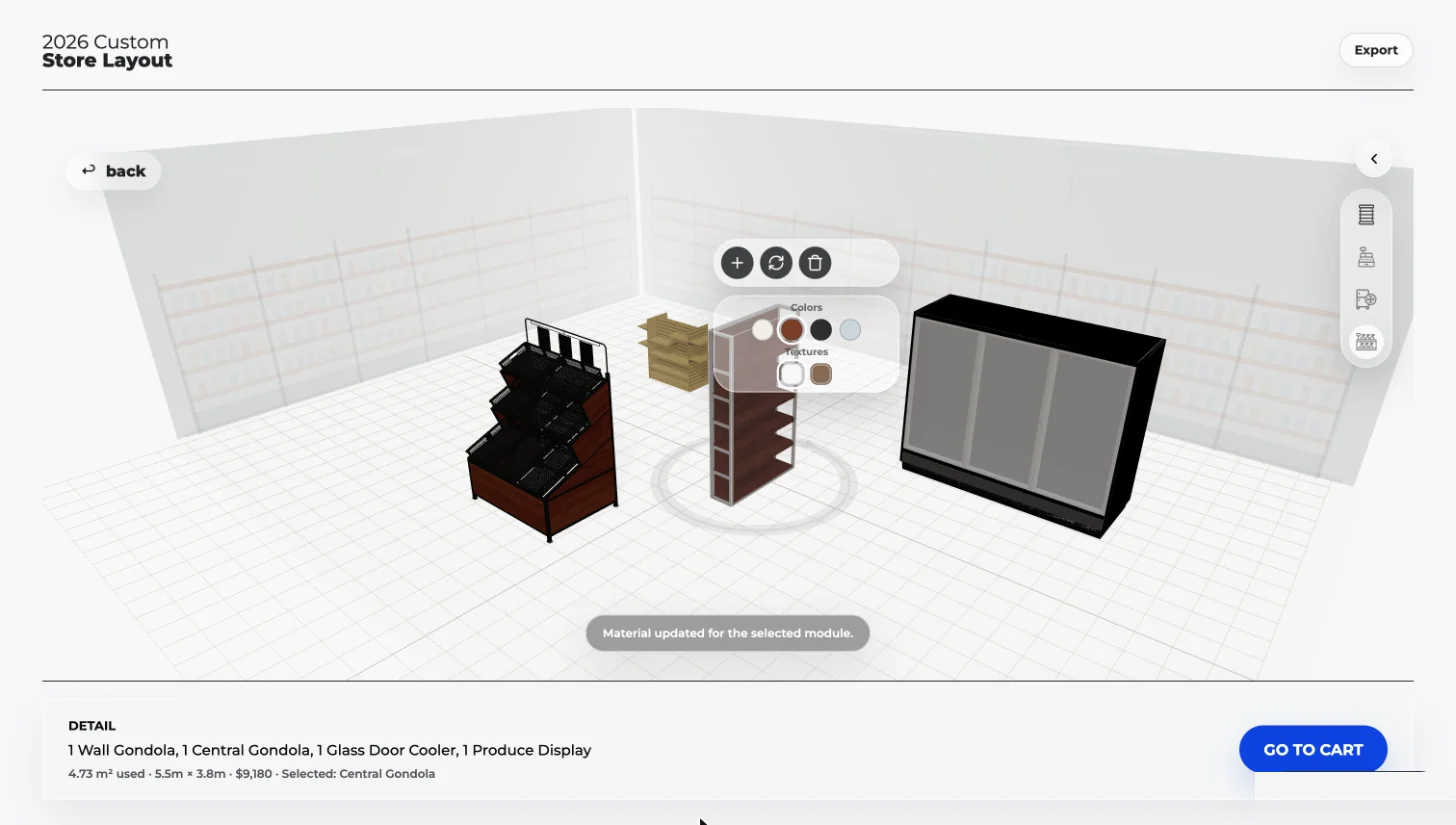
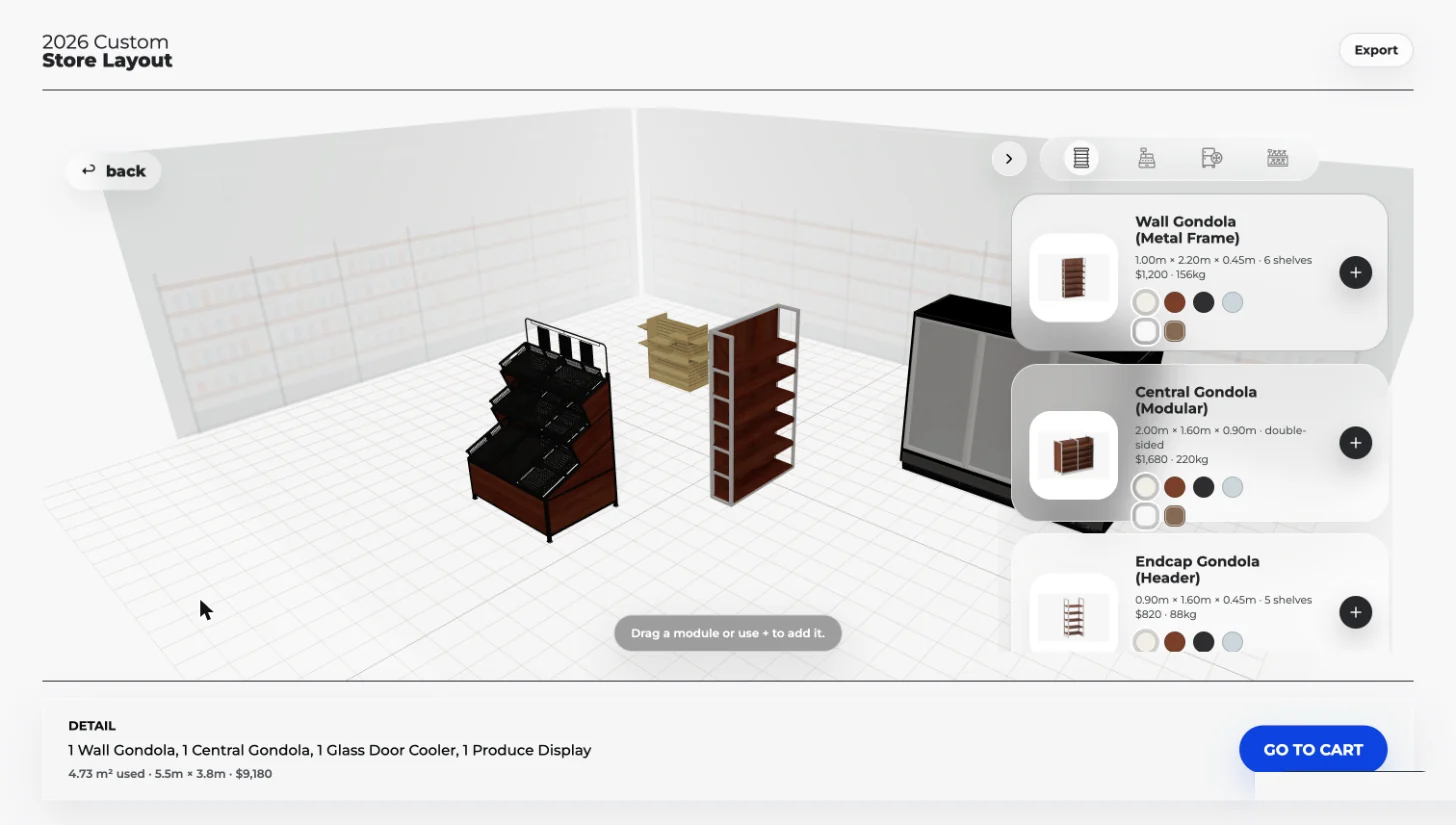
The store is the interface. Modules are placed on a measured grid inside the shop’s walls, and the selected one shows its own tools right where it stands.

A grid in metres so the owner thinks in his own space, not in abstract units.
Duplicate, rotate and delete float over the selected module, never in a far menu.
“Drag a module or use + to add it”: one hint, the only instruction needed.
05 · The catalogue
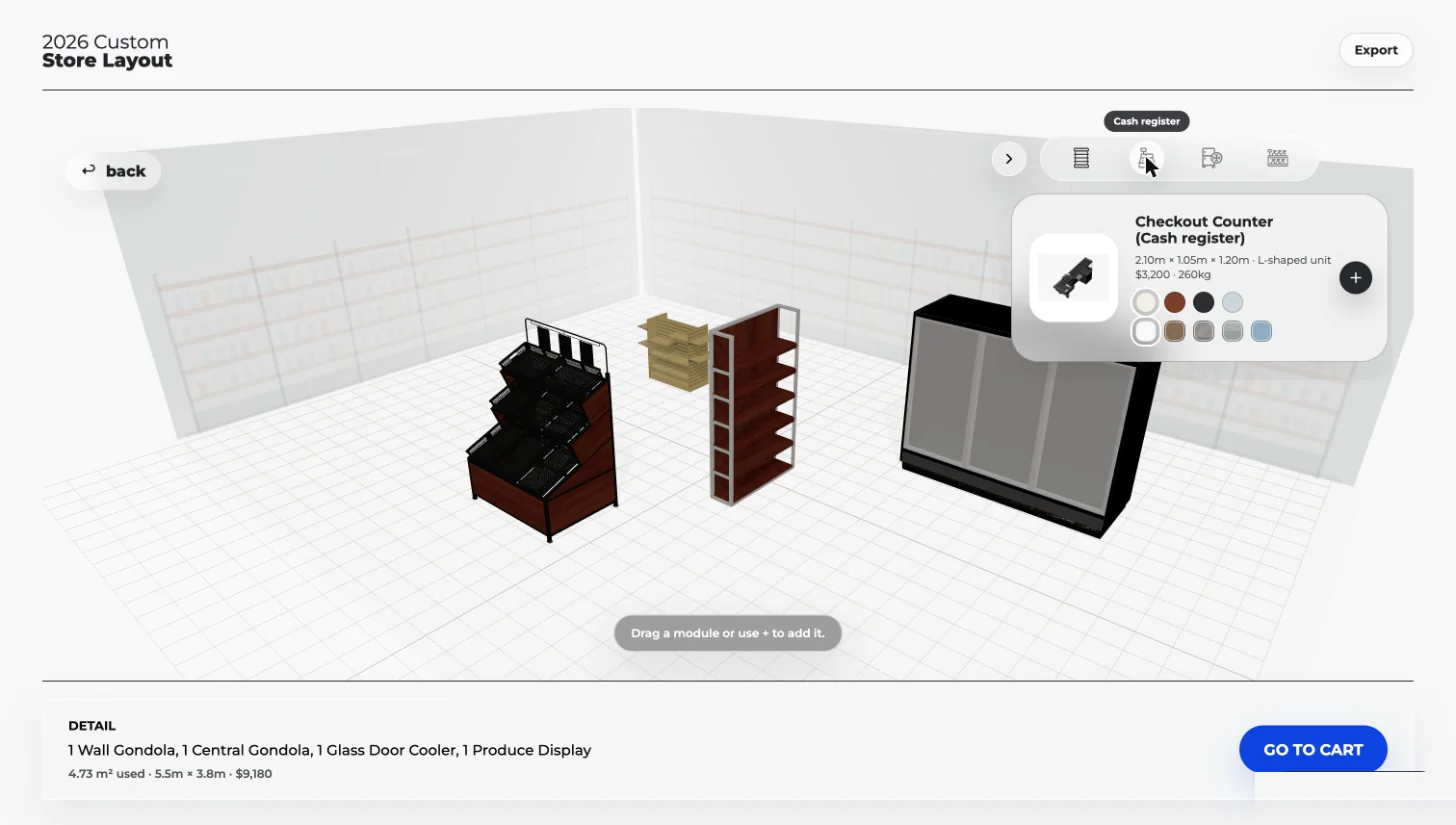
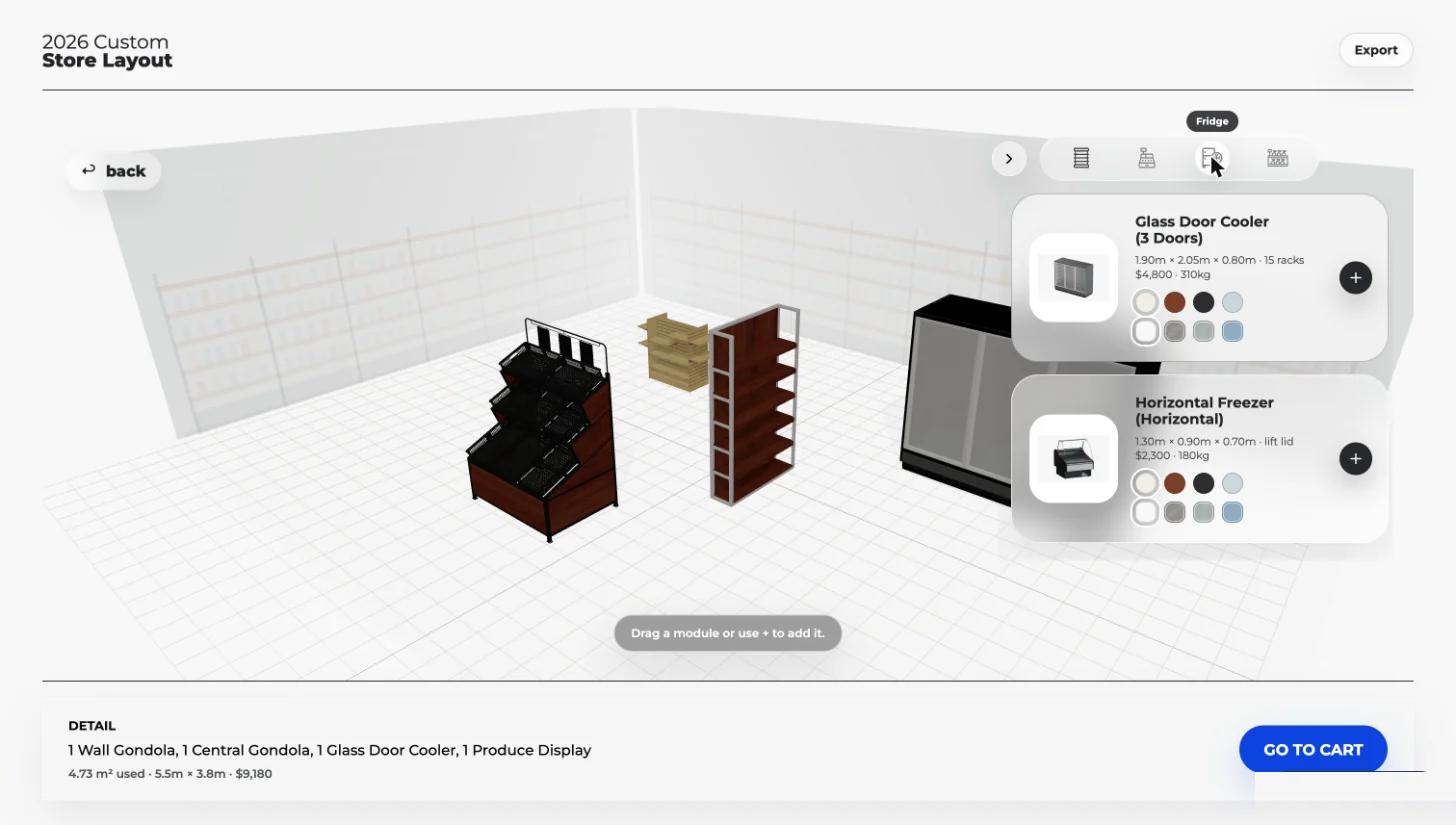
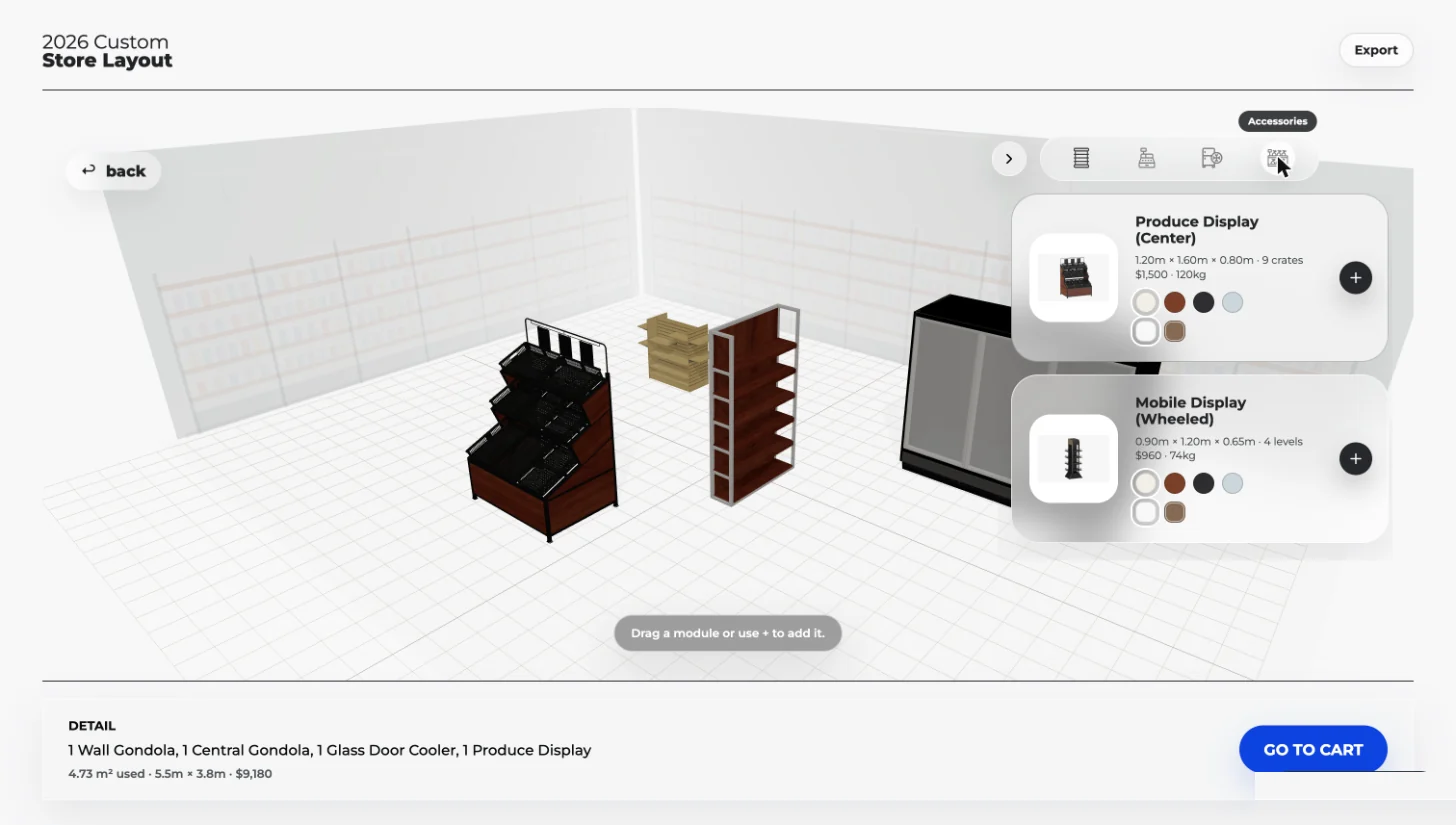
A catalogue that answers before you ask.
Four families, the way a store is equipped. Every card answers the three questions owners always ask: how big, how much, which finishes.


06 · Customise and check
Every change shows the space and the price.
The detail bar is the heart of the experience: what is on the floor, the m² used, the overall size and the total, updated with every move.

Four colours and two textures per module, applied on the 3D model with a confirmation message.
m² used and total size, so the owner knows it fits before installation day.
The running total turns “let me ask for a quote” into “this works for my budget”.
07 · Why it sells
From layout to order.
For the equipment maker, the configurator is marketing and sales in one place: it attracts, qualifies and quotes.
The request arrives with the layout, the modules and the budget already defined.
Fewer quote rounds: the customer has already seen and priced the store.
Accessories and finishes are one click away from every module.
It runs in the browser, on a laptop or a big screen at a trade show.
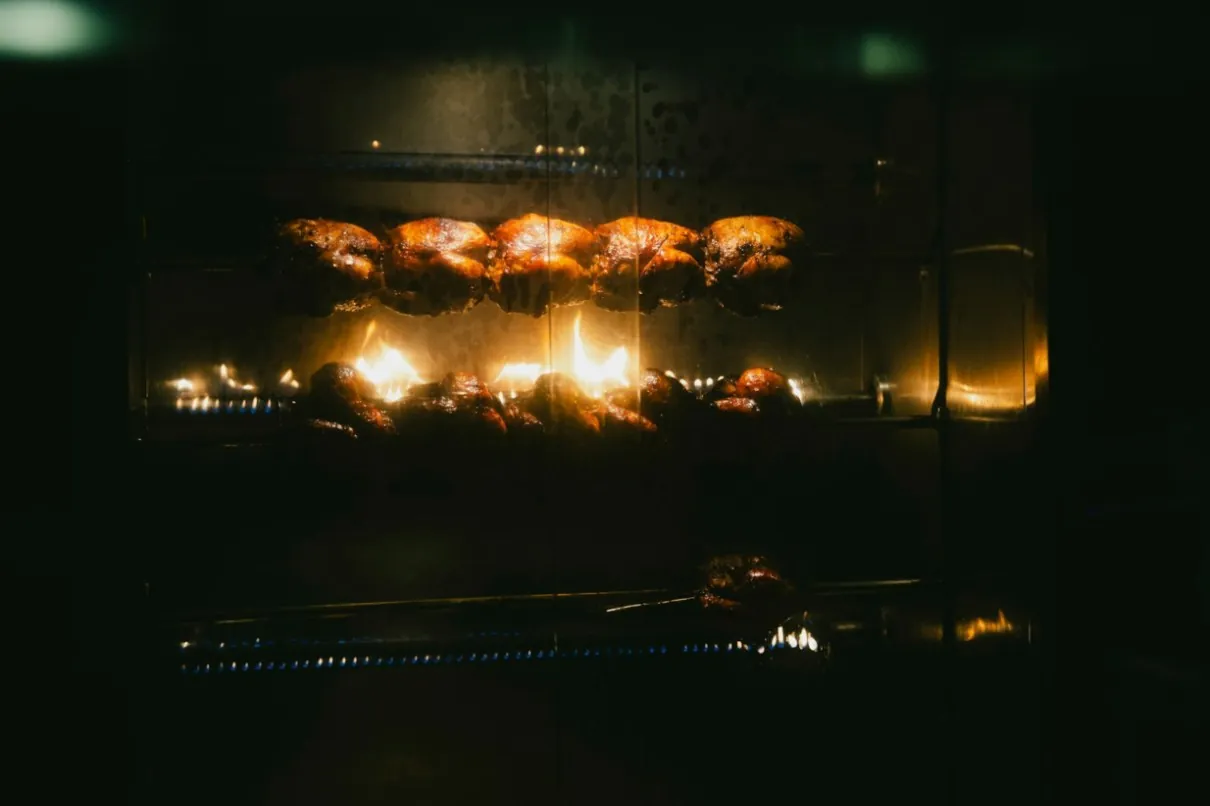
The same model works for a rotisserie corner, a bakery counter or a whole supermarket: only the catalogue changes.

08 · My role
A demo built to open conversations.
I designed this demo at Ibisdev to show store-equipment makers what a 3D configurator can do for their sales.
module families: gondolas, checkout, cold, accessories
equipment models with size, price and weight
colours and textures per module
live figures: m², overall size, total
click to duplicate, rotate or delete
installs: it runs in the browser
- Market reference: how store-equipment makers sell today
- Experience and journey for the store owner who buys
- UX and UI of the 3D scene, catalogue, module tools and detail bar
- The supermarket scene used to pitch Ibisdev to the retail and food service sectors