
ES

Work Store Layout Configurator

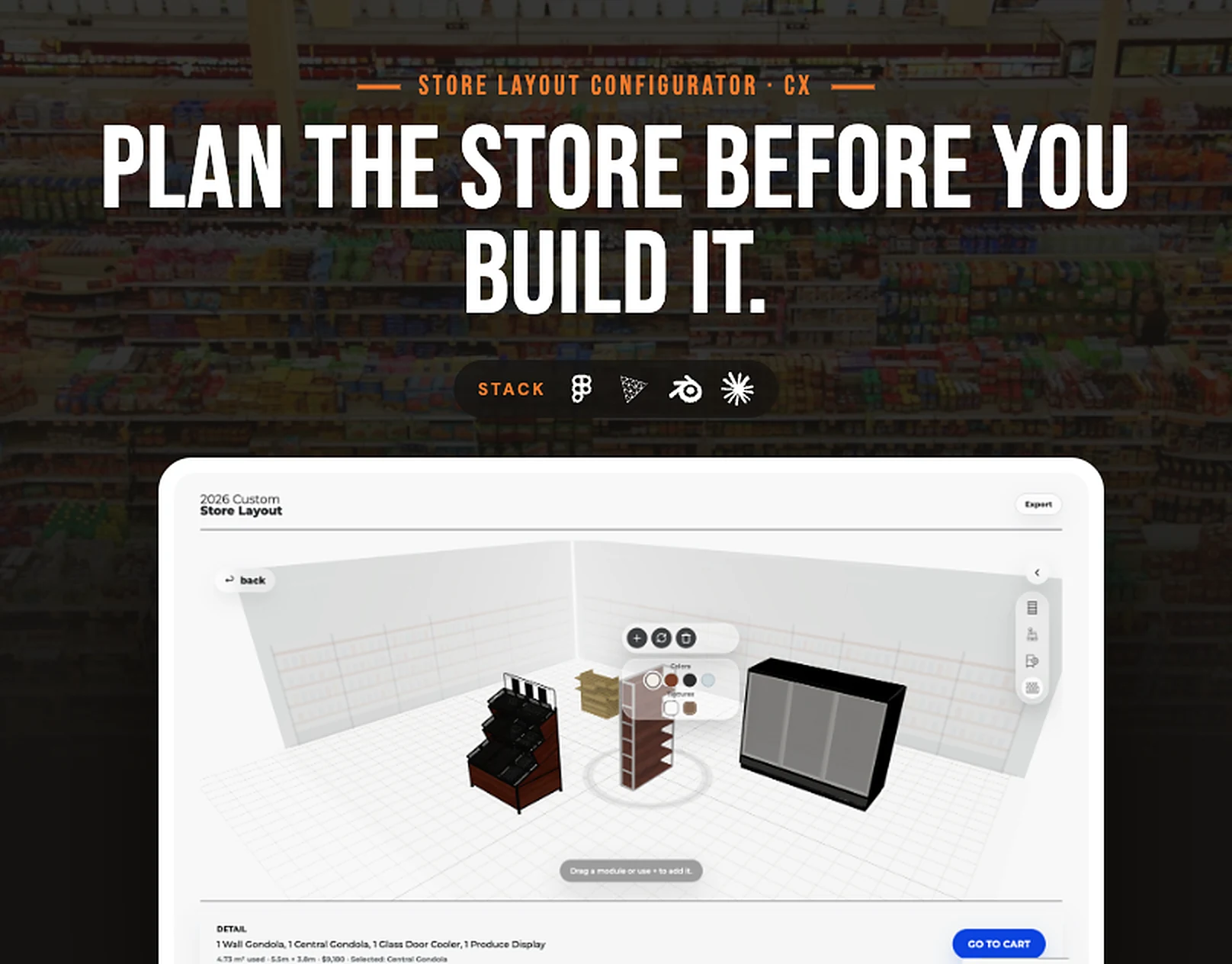
Store Layout Configurator: plan the store before you build it

3D & interactiveCustomer ExperienceRetailSales tool

A 3D configurator for supermarket equipment: store owners build their layout with real furniture, customise it and check it before they order a single shelf.

ToolsFigmaThree.jsBlender
Candela López portfolio · Cover config
Role
CX & Product Designer · Ibisdev
Scope
Store builder, catalogue, customisation, quote
Market
Retail equipment manufacturers
Disciplines
3D · Customer Experience · Product

The challenge

Equipment is sold from a catalogue, but bought by imagining the store.

Owners had to picture aisles, fridges and checkouts from PDFs and sales visits. I designed a builder where they place real pieces, change finishes and sizes, and see if everything fits, turning a long sales cycle into a conversation around their own store.

01 · The problem

Equipping a store is bought on faith.

Shelving, coolers and checkouts are big, expensive and hard to picture. Owners decide from catalogues and floor plans; makers answer with quotes that go back and forth by email.

“Will it fit? How will it look? How much will it cost?” Three questions that used to take weeks.

01
Hard to imagine

A catalogue photo shows one module alone, never how the aisle will feel with everything in place.

02
Slow quotes

Every change of layout means a new quote, a new email and a few more days without a decision.

03
Space mistakes

Measures are checked on paper; a cooler that does not fit is discovered on installation day.

02 · Who it is for

Built to sell equipment, designed for who buys it.

The demo is a supermarket scene, but the model fits any business that equips a sales floor.

Store Layout Configurator · screen cooler
Equipment makers

Shelving, refrigeration and checkout manufacturers and their sales teams.

What it changesTheir full catalogue becomes a sales tool that quotes by itself.
Store Layout Configurator · screen staff
Supermarkets and grocers

Chains opening branches and neighbourhood stores that remodel.
What it changesThey see the aisle, the space and the total before signing.
Store Layout Configurator · screen bakery
Food service

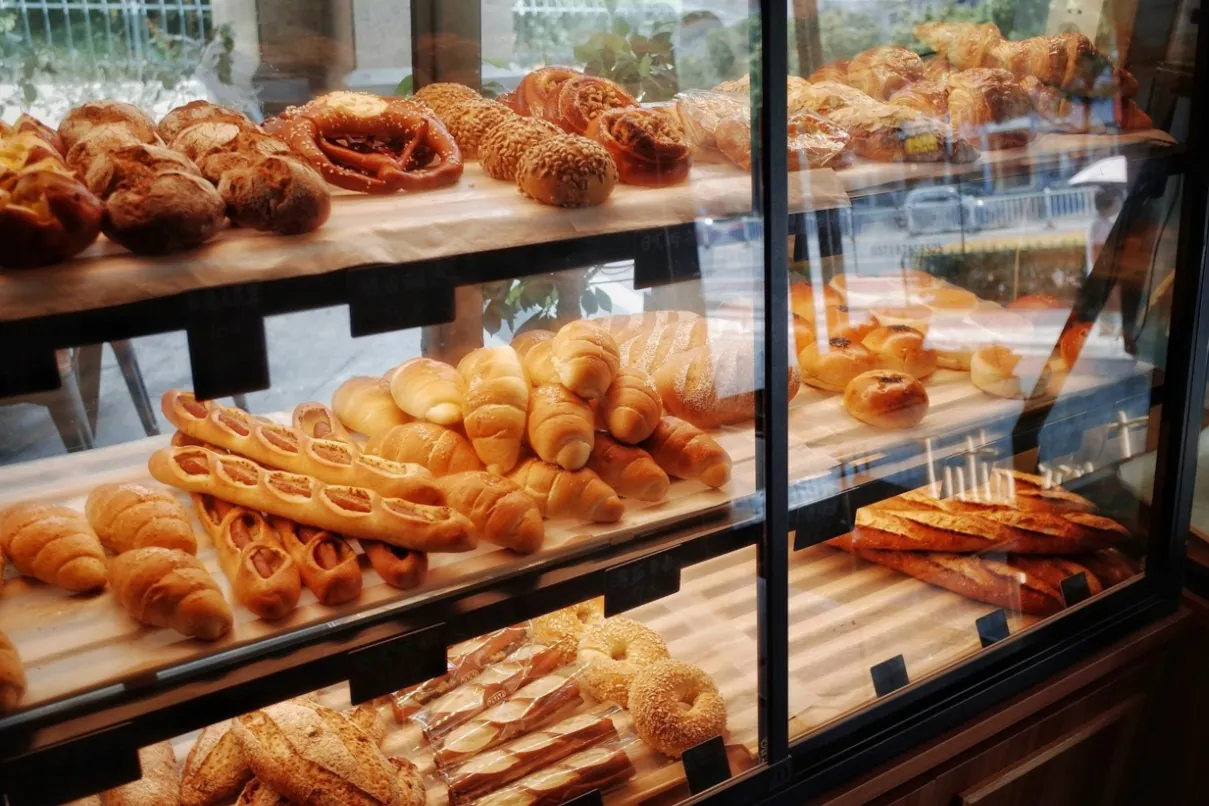
Bakeries, rotisseries, delis and cafés with display and cold needs.

What it changesTheir counter, cases and coolers planned in the real space.

03 · User journey map · Store owner

Remodelling a neighbourhood supermarket.

The journey of the owner the configurator was designed for, stage by stage.

Store Layout Configurator · screen hernanHernán, 48Owner of a neighbourhood supermarket · 2 checkouts
ScenarioIs remodelling his store and adding a rotisserie corner and a new cold aisle.
ExpectationsKnow if everything fits, how it will look and the total, before paying a deposit.
Touchpoints
Actions
Pain points
Emotions
Opportunities
1Explore
Maker’s website, catalogue
Browses gondolas, coolers and checkouts
Catalogue photos show modules alone, out of context
Curious
Open the configurator straight from the catalogue
2Lay out
3D store, “+” and drag
Places a wall gondola, a central one and a 3-door cooler
Measuring on paper; fear that something will not fit
Hopeful
Real sizes on a grid, with the m² used always visible
3Customise
Colours and textures per module
Picks dark wood for the produce stand and white for shelving
Not knowing how finishes combine
Engaged
Change finishes in place and see them instantly
4Check
Live detail: m², size and total
Moves modules until the layout fits his budget
Quotes that change with every email
Confident
Total price updated with every move
5Order
Cart, exported layout
Sends the layout and the cart to the maker
Re-explaining everything to a salesperson
Relieved
The salesperson receives exactly what he designed

04 · Build the store

Drag, drop, see the aisle.

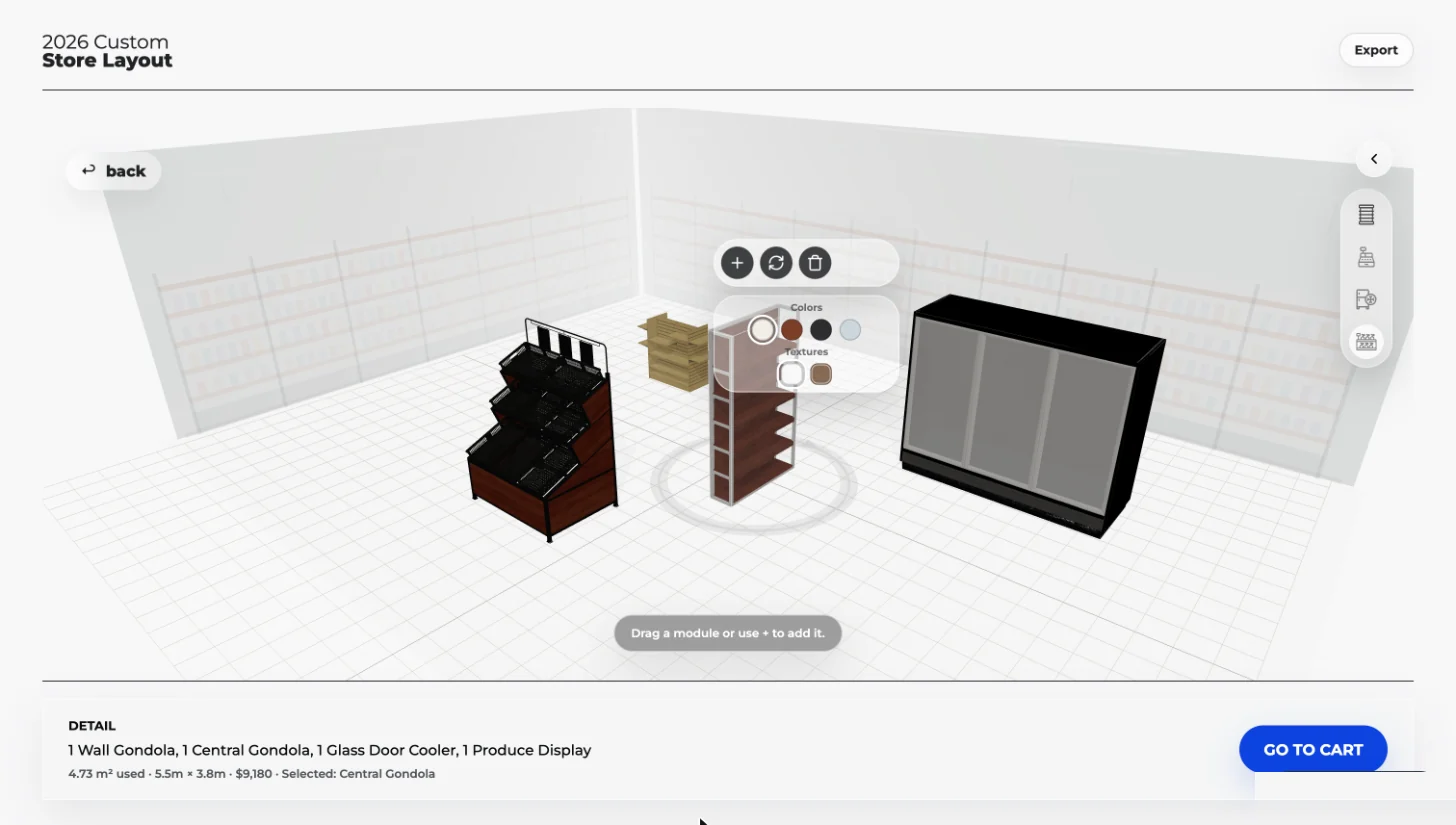
The store is the interface. Modules are placed on a measured grid inside the shop’s walls, and the selected one shows its own tools right where it stands.

Store Layout Configurator · screen select
01
A measured floor

A grid in metres so the owner thinks in his own space, not in abstract units.

02
Tools where you look

Duplicate, rotate and delete float over the selected module, never in a far menu.

03
A gentle start

“Drag a module or use + to add it”: one hint, the only instruction needed.
05 · The catalogue

A catalogue that answers before you ask.

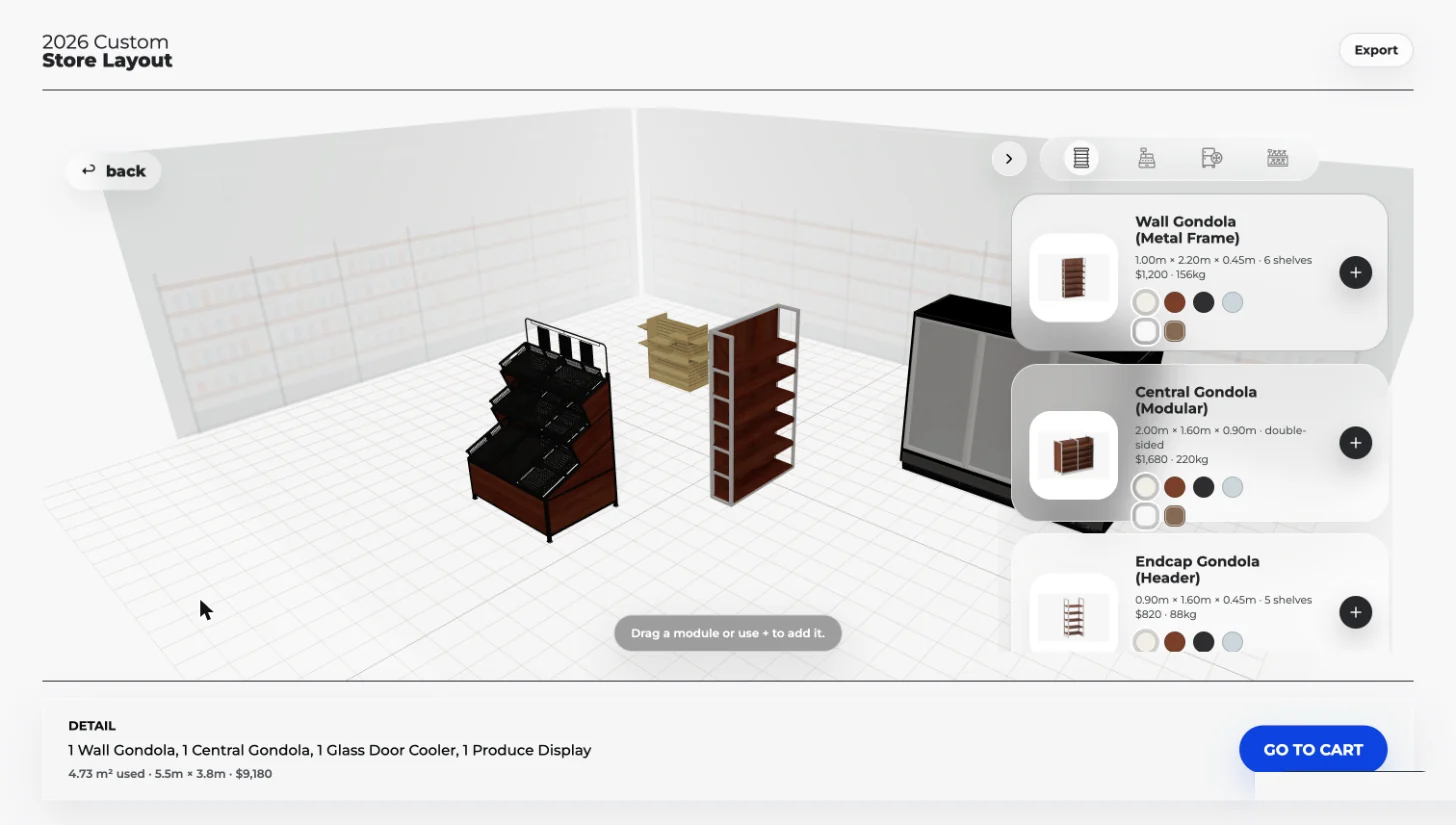
Four families, the way a store is equipped. Every card answers the three questions owners always ask: how big, how much, which finishes.

Store Layout Configurator · screen main
Gondolas. Wall, central and end-cap, with size, price and weight.
Store Layout Configurator · screen checkout
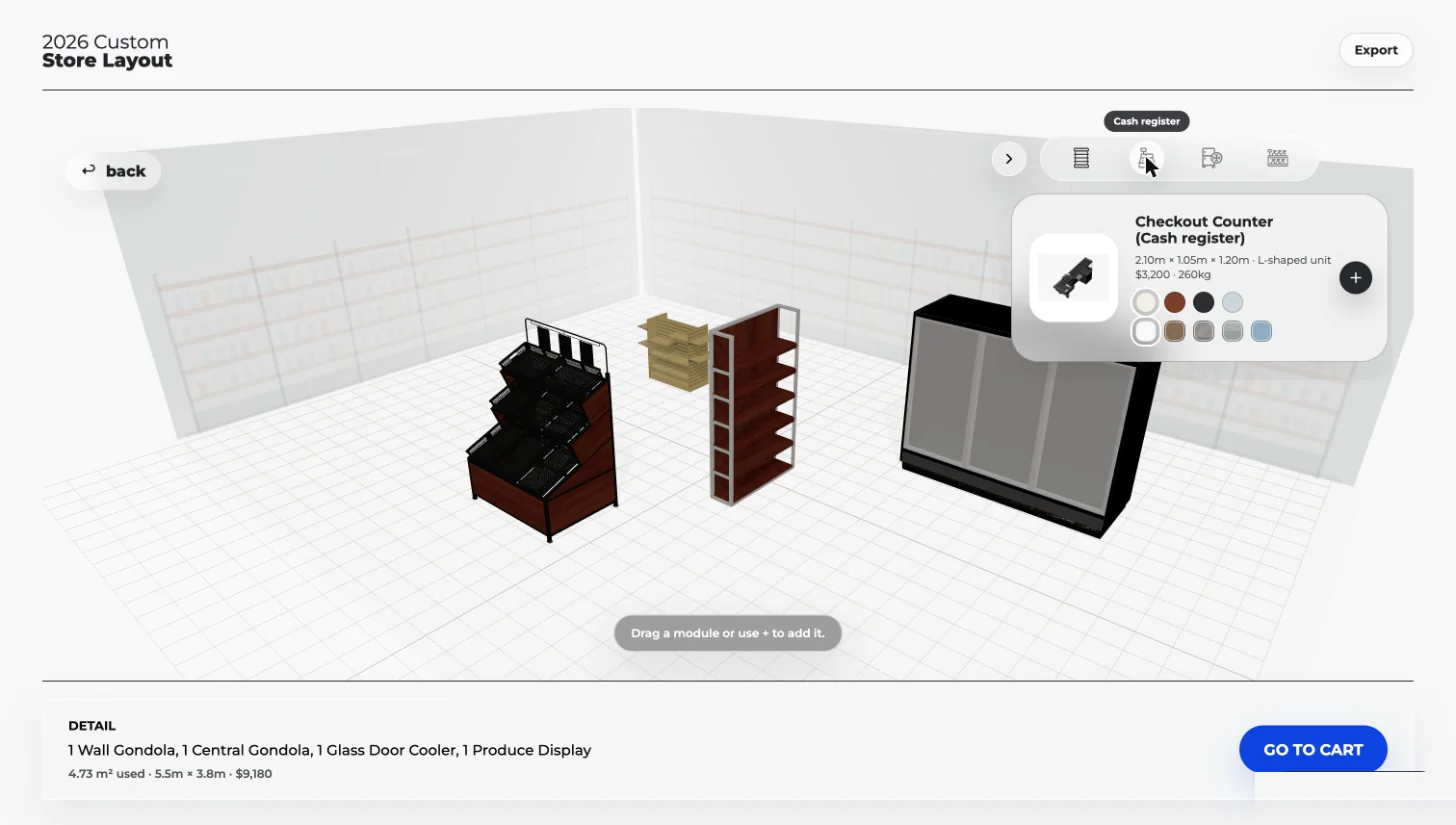
Checkout. The L-shaped counter that closes every sale.
Store Layout Configurator · screen cold
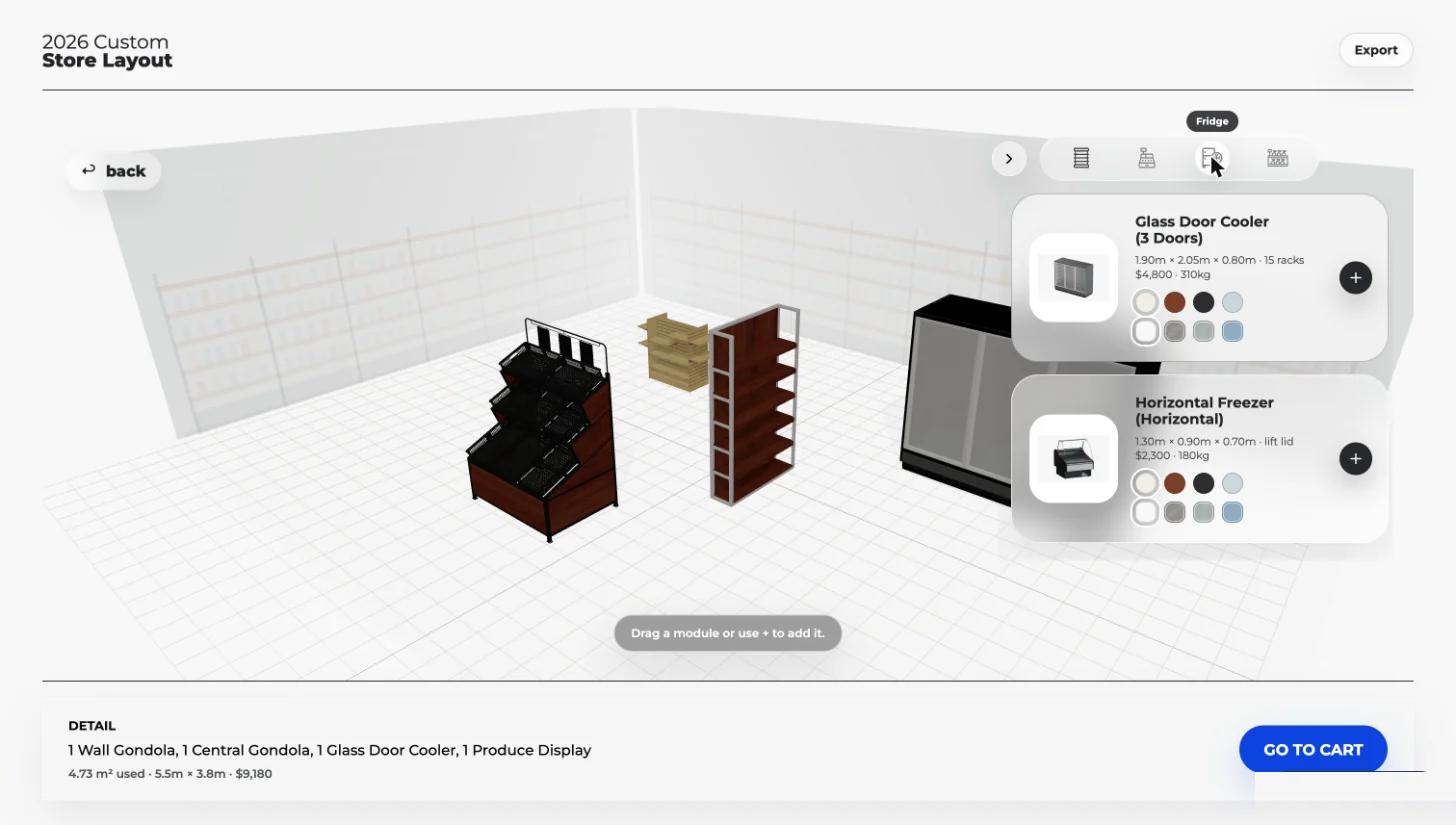
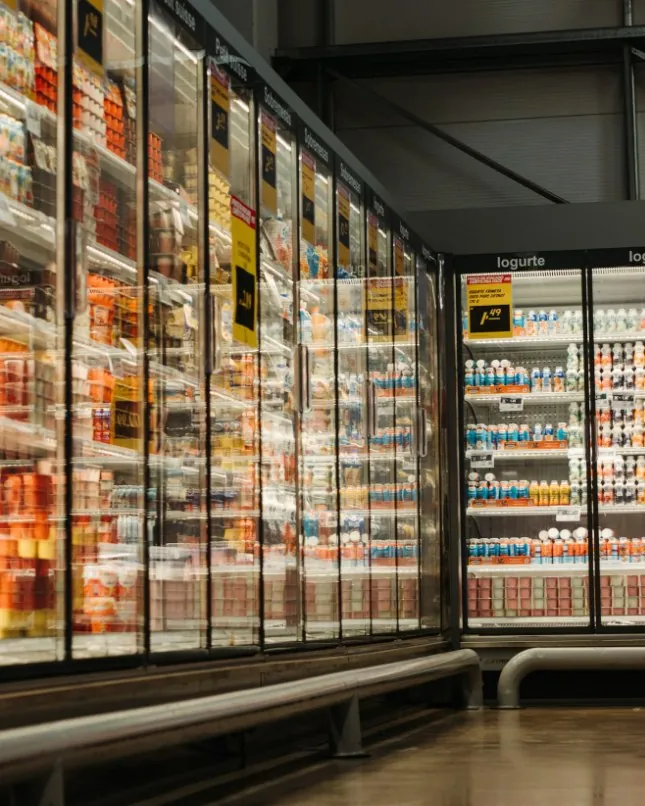
Refrigeration. Glass-door coolers and chest freezers, the biggest decision on the floor.
Store Layout Configurator · screen acc
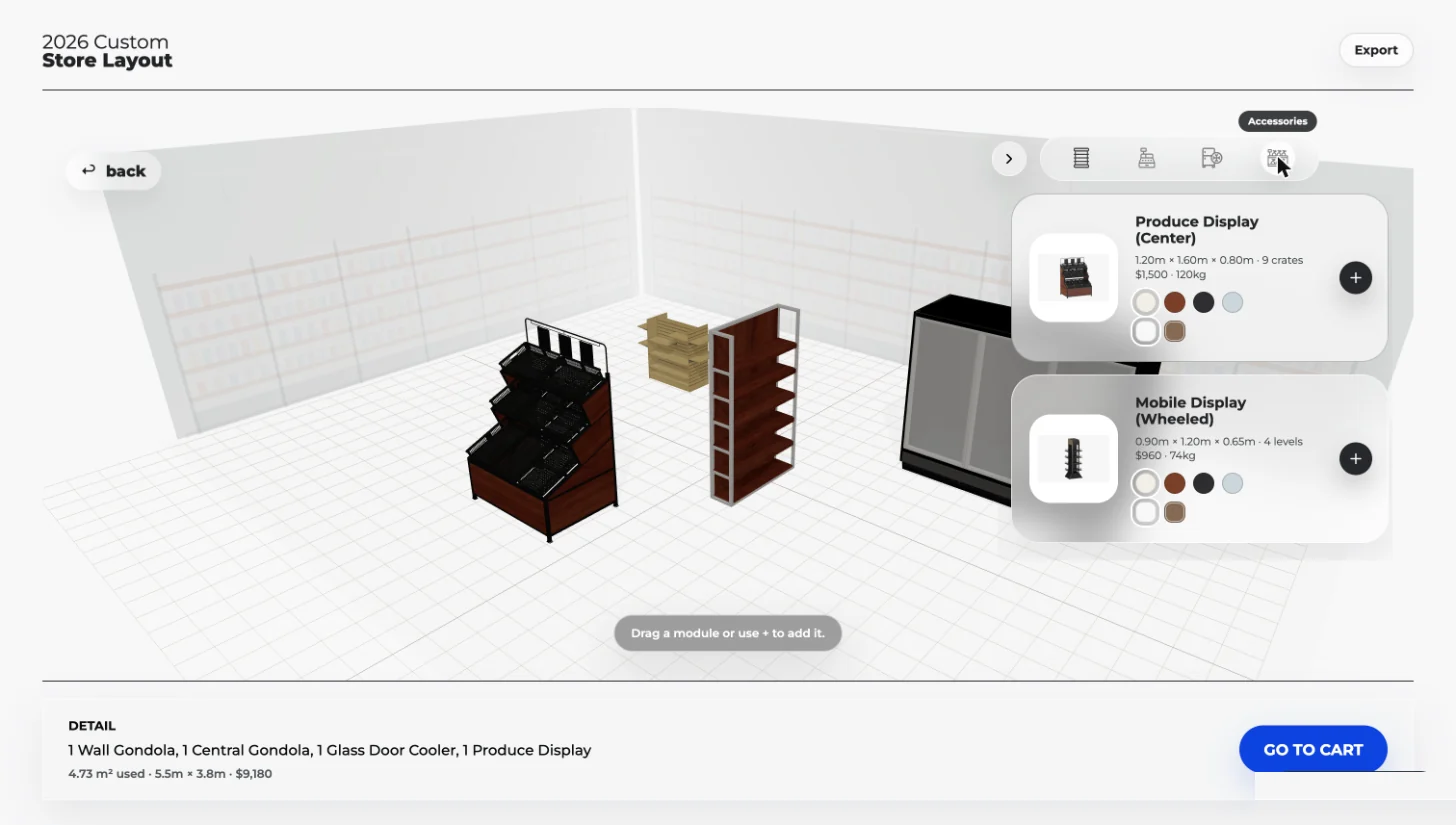
Accessories. Produce stands and display racks: the natural add-on to every order.

06 · Customise and check

Every change shows the space and the price.

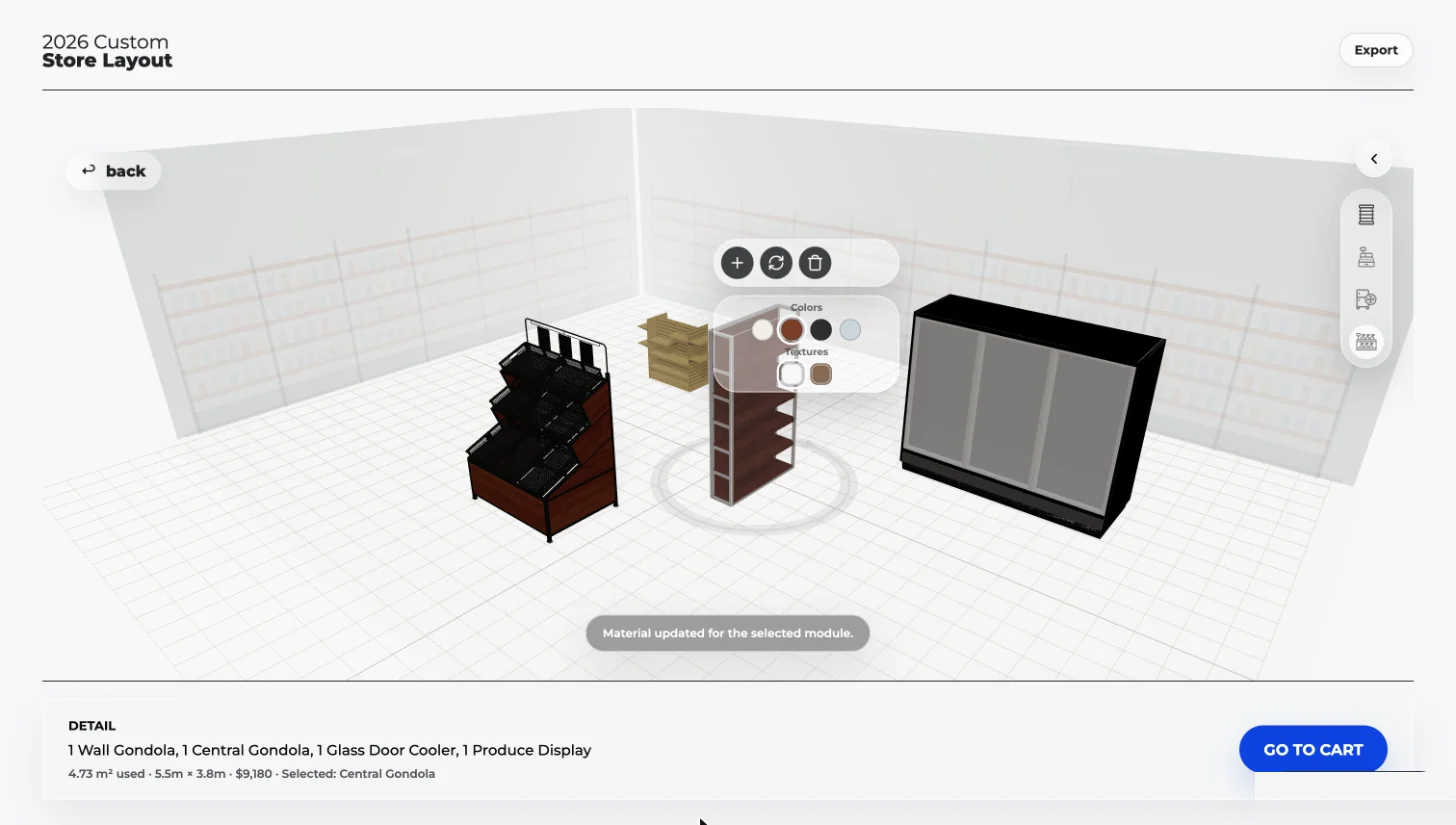
The detail bar is the heart of the experience: what is on the floor, the m² used, the overall size and the total, updated with every move.

Store Layout Configurator · screen finish
01
Finishes in place

Four colours and two textures per module, applied on the 3D model with a confirmation message.

02
Space you can trust

m² used and total size, so the owner knows it fits before installation day.

03
No price surprises

The running total turns “let me ask for a quote” into “this works for my budget”.

07 · Why it sells

From layout to order.

For the equipment maker, the configurator is marketing and sales in one place: it attracts, qualifies and quotes.

01
Qualified leads

The request arrives with the layout, the modules and the budget already defined.

02
Shorter sales cycle

Fewer quote rounds: the customer has already seen and priced the store.

03
Natural upselling

Accessories and finishes are one click away from every module.

04
A fair-ready demo

It runs in the browser, on a laptop or a big screen at a trade show.

Store Layout Configurator · screen rot

The same model works for a rotisserie corner, a bakery counter or a whole supermarket: only the catalogue changes.


08 · My role

A demo built to open conversations.

I designed this demo at Ibisdev to show store-equipment makers what a 3D configurator can do for their sales.

The demo in numbers
4

module families: gondolas, checkout, cold, accessories

8

equipment models with size, price and weight

4 + 2

colours and textures per module

3

live figures: m², overall size, total

1

click to duplicate, rotate or delete

0

installs: it runs in the browser

What I did
  • Market reference: how store-equipment makers sell today
  • Experience and journey for the store owner who buys
  • UX and UI of the 3D scene, catalogue, module tools and detail bar
  • The supermarket scene used to pitch Ibisdev to the retail and food service sectors
How we will measure success
Layouts completedLayouts sent to salesAverage order valueAccessories per orderDays from first visit to orderQuote revisions